Start with a scan.
Find it by number.
Add a record to the packing you do every day.
Record with a barcode, find any video by order number
and share it with your customer in seconds.
 ZERO PACKING
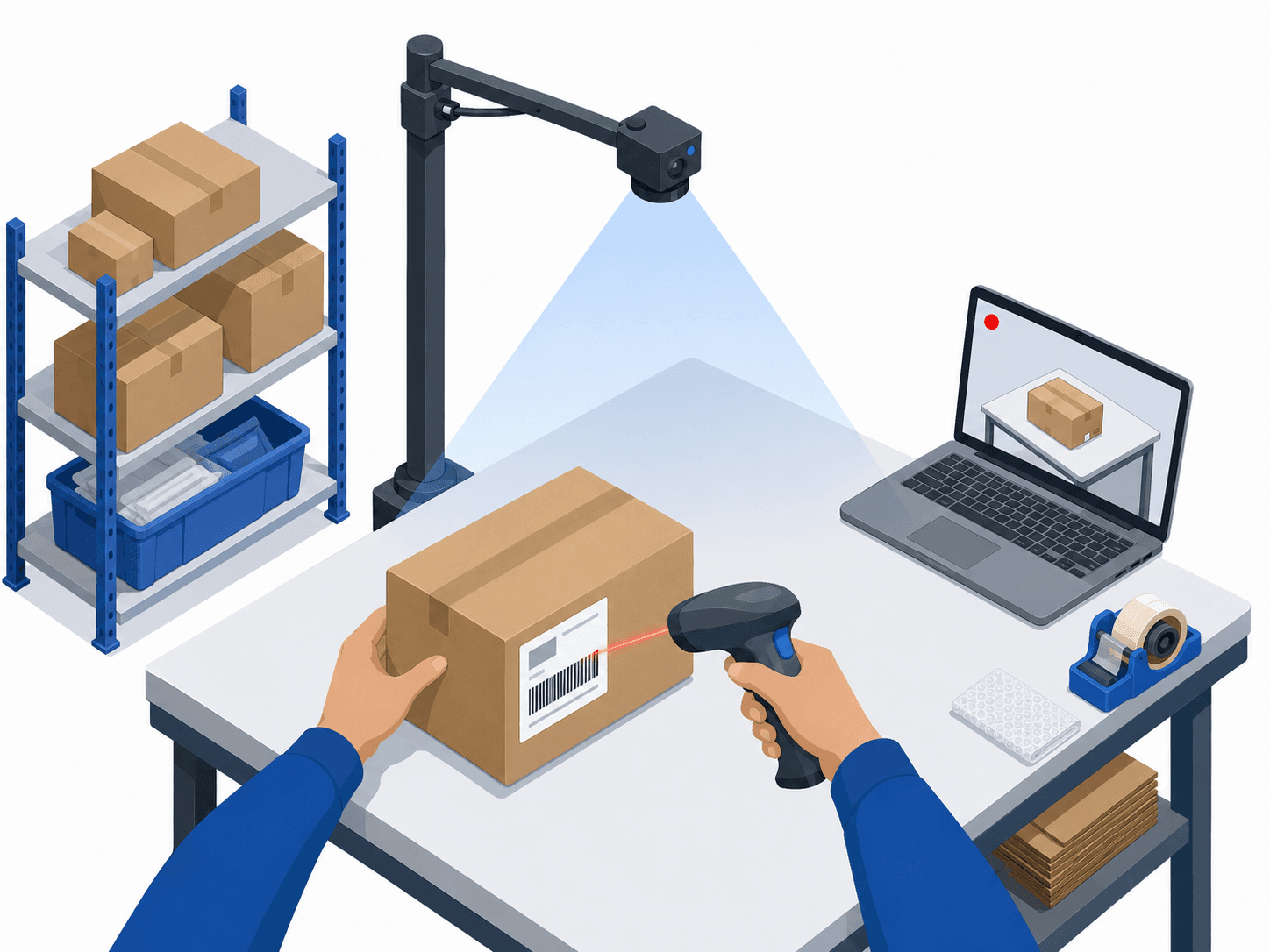
Keep packing as usual.
We add the record.
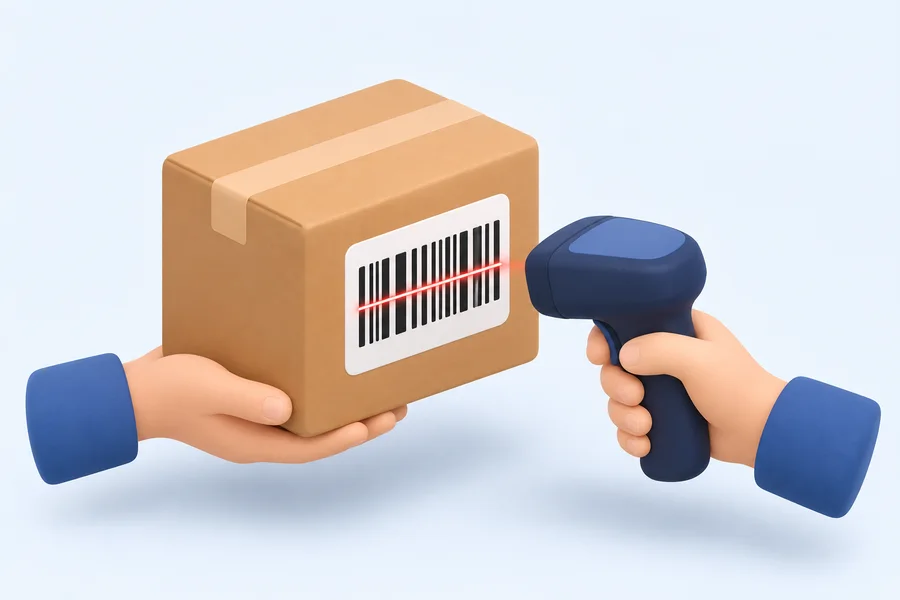
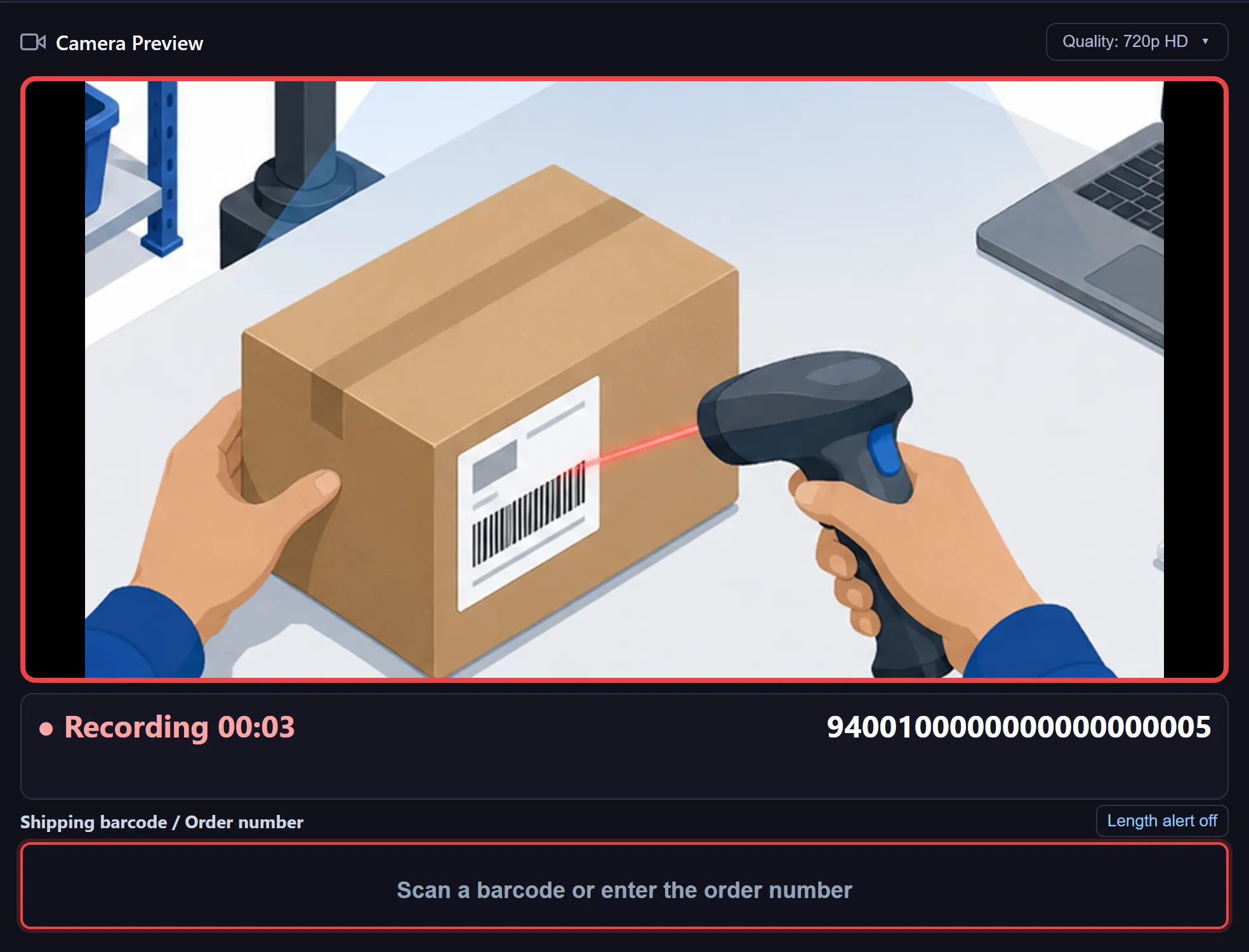
Scan
Scan the shipping label barcode to start recording.
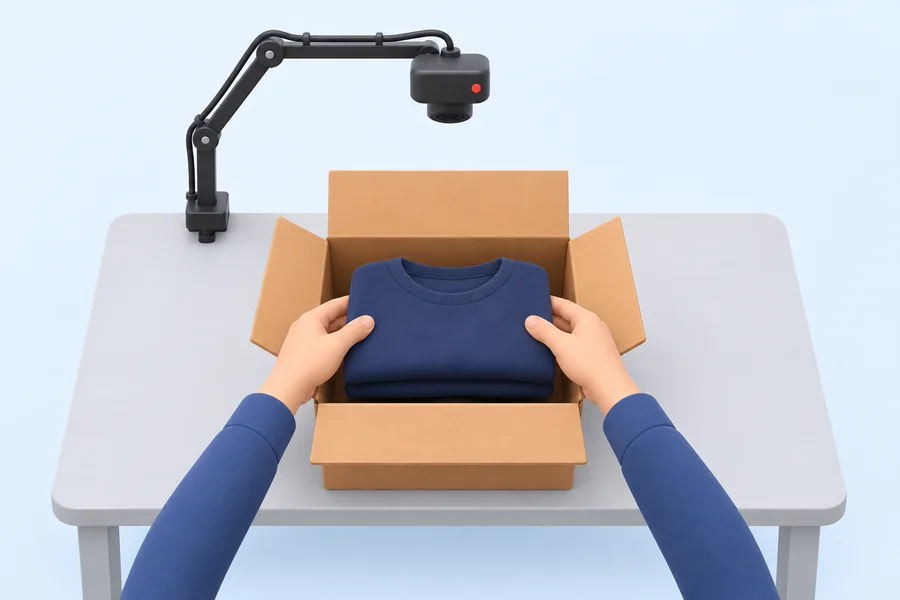
Pack
Pack as usual, then scan the same barcode again to stop.
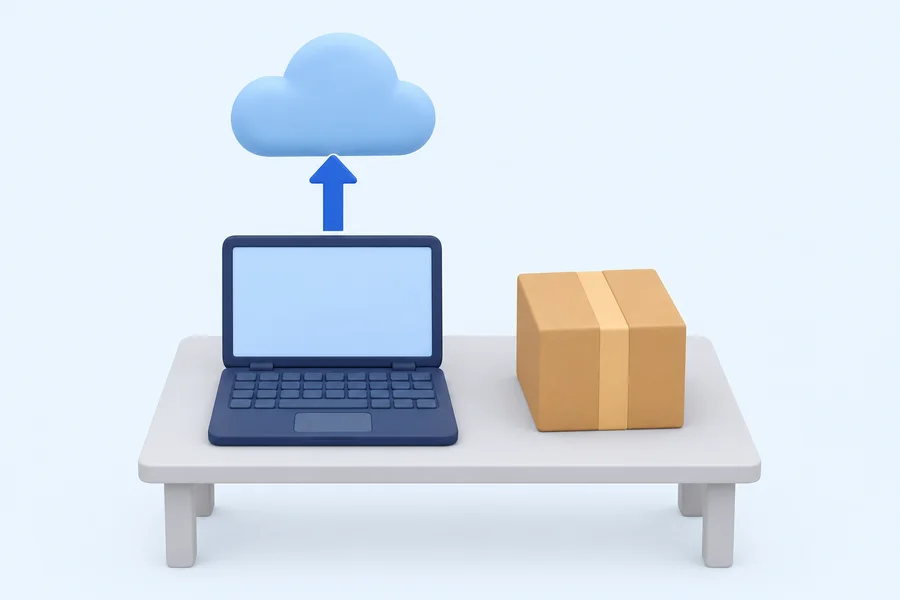
Stored automatically
Each packing video uploads and is kept in the cloud.

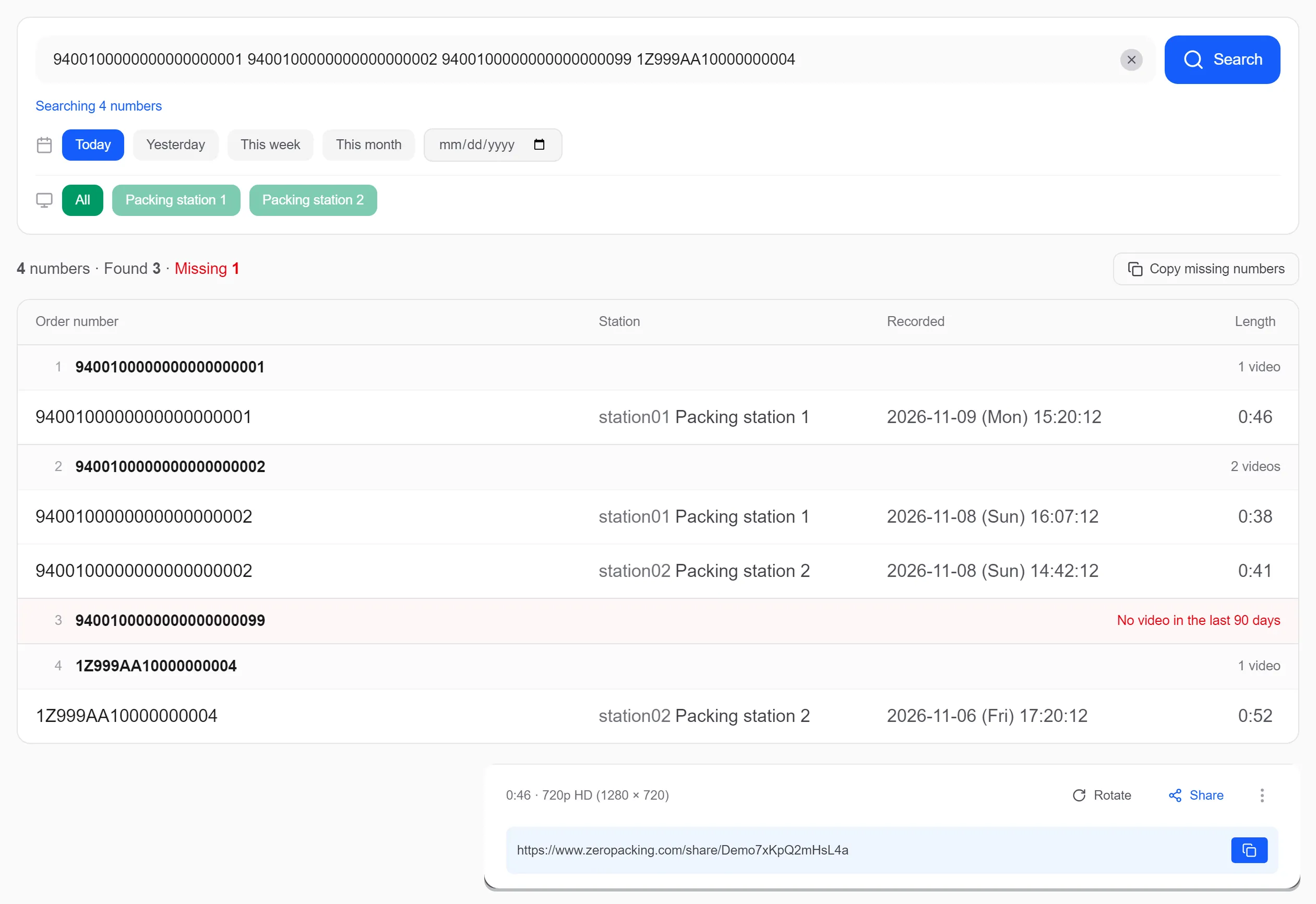
Find it when you need it
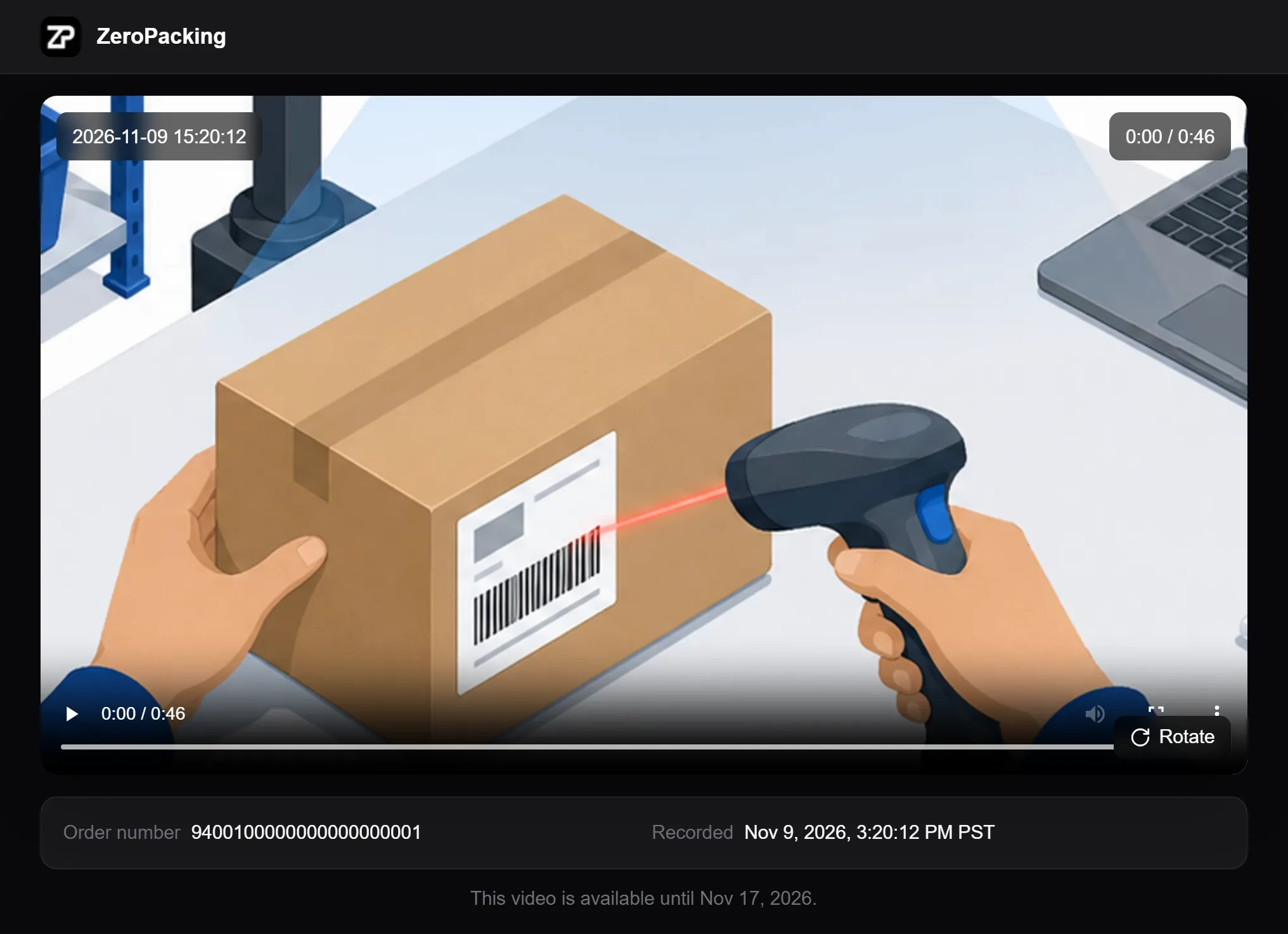
Search packing videos by order number and share with a link.
See it in action
Everything you need
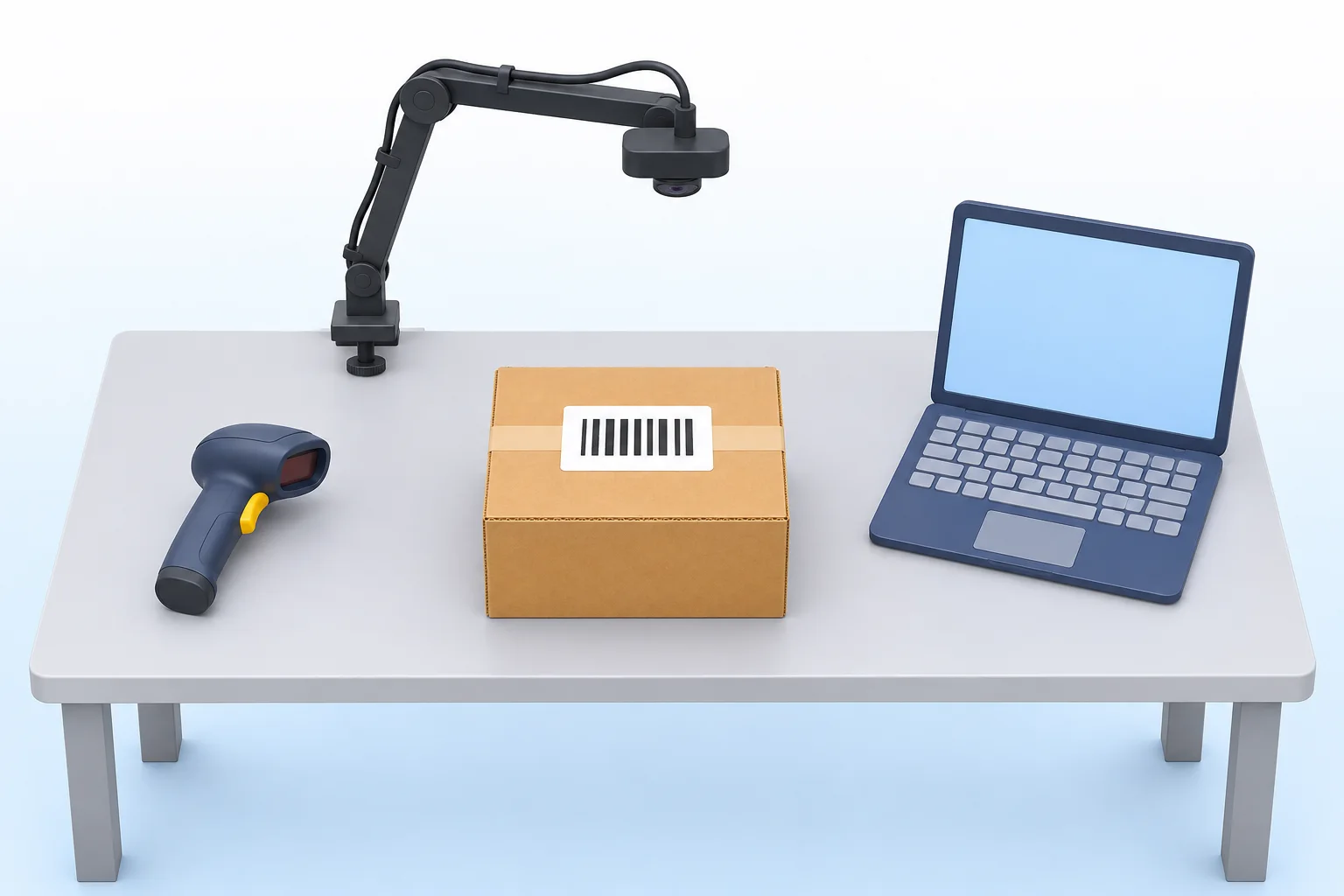
Windows 10 or 11 PC
A laptop or desktop at the packing table. Mac is not supported yet.
USB webcam
Any standard USB webcam, mounted to look down at the table.
Camera arm
A clamp arm fixed to the table edge, about 70 cm (28 in) above the table.
Barcode scanner
A USB or wireless scanner that types the code like a keyboard.
Your shipping labels
Scan the tracking barcode you already print: Shopify, ShipStation, USPS, UPS or FedEx.
You do not needSpecial equipmentA WMSAn installer visit
Find the packing video from a Shopify order
Search by order number
Type a Shopify order number and its packing video comes up.
On the order page
The order page in Shopify admin shows that order’s packing videos.
Several stores
Each store is connected on its own, and results show which store an order is from.
Read-only, set up for you
It reads order and tracking numbers only. Send us your store address and we connect it.
Pricing
Per packing station
Annual plan: US$299.90 for 12 months · pay for 10 months
Payment after your free trial
No automatic charge. Contact us before paying to confirm your plan and PayPal invoice arrangements. We activate the paid plan after confirming payment.
Service prices shown. Any applicable taxes and the invoice currency and total are confirmed before payment. Your card issuer or PayPal may charge a currency conversion fee.
Ask about payment50 GB holds about 2,600 one-minute HD videos, per station per month.
Start Free Trial15-day free trial, no credit card required
Contact Us
Have questions or want to see a demo? Get in touch with us.
What is a packing video?
Why sellers keep packing videos, how to record them, and how they are used for damage and missing-item claims.
Read the packing video guide →