Guide
How to record return inspections
A video of every returned package, saved by number
A return raises the same question as a shipment, in the other direction: what condition was it in when it arrived? The customer says the item went back unused and complete; your team opens the box and finds it worn, damaged, or not the item you sent. A video of the opening, saved under the number of the return, shows what was in the box when it reached you. This guide covers what to record and how.
Why record return inspections
A different item came back
The box holds another product, an older unit, or nothing at all. The video shows the box being opened and what was inside.
Used, damaged or incomplete
Signs of wear, a broken part, missing accessories. The video shows the condition at the moment of opening, before anyone on your team handled the item.
Damaged on the way back
A crushed box or a torn seal is on video before the box is opened, which helps when you raise it with the carrier.
The record protects the customer too. When an item comes back in good condition, the video shows that as well, and the refund can go out without questions.
How to record a return
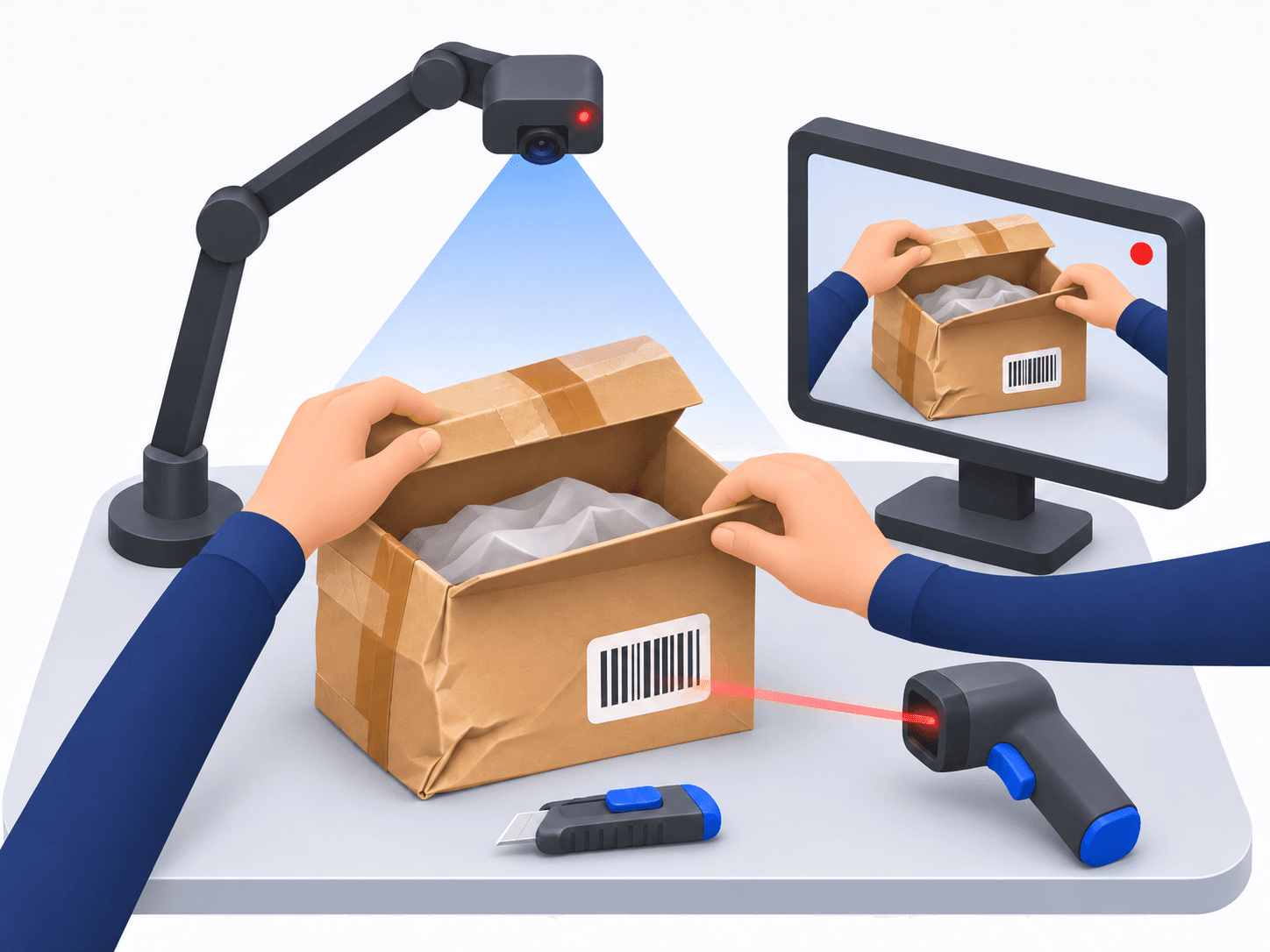
Use the same packing station you ship from. There is one rule: scan before you open.
Scan the return
Scan the tracking number on the return label, or the original order number if your return slip carries it as a barcode. Recording starts.
Show the outside
Turn the unopened box so the camera sees the label, the tape and any dents or tears.
Open it in the picture
Cut the tape and open the box under the camera, so the first look inside is on video.
Take everything out
Lay out the item, the accessories, the manuals and the packaging. Show the front, the back, the tags and the serial number.
Scan again
Recording stops and the video uploads by itself.
Which number should I scan?
Any number you will be able to look up later. If you scan the original order number, one search shows the packing video and the return video of that order together. If the package has no barcode, type the number on the keyboard and press Enter.
What to capture
- The return label and the outside of the box, on all sides
- The seal: original tape, re-taped, or open
- Everything in the box, counted
- The condition of the item: front, back, corners, screen, soles, tags
- The serial number or model name, when the product has one
- Accessories, manuals and free gifts that should have come back
Using the video afterwards
- Answering the customer. When a refund is reduced or refused under your return policy, you can send a share link to the video. The link shows only that return, and it expires.
- Marketplace and carrier cases. Use the video when a marketplace asks what you received, or when you report damage in transit. The video is evidence; the marketplace or the carrier decides.
- Restocking decisions. Whoever decides if an item goes back on the shelf can watch the inspection instead of asking the person who opened the box.
Videos are kept for 3 months and then deleted automatically, so settle a return while its video is still available. For the outbound side, read what a packing video is; for the equipment, how to set up a packing station.
Record your next return
Returns are recorded at the same station as shipments, and pricing is per packing station. Try it with the 15-day free trial.
US$29.99 per packing station per month · Annual plan: US$299.90 for 12 months · pay for 10 months